Local models in the Copilot Chat picker
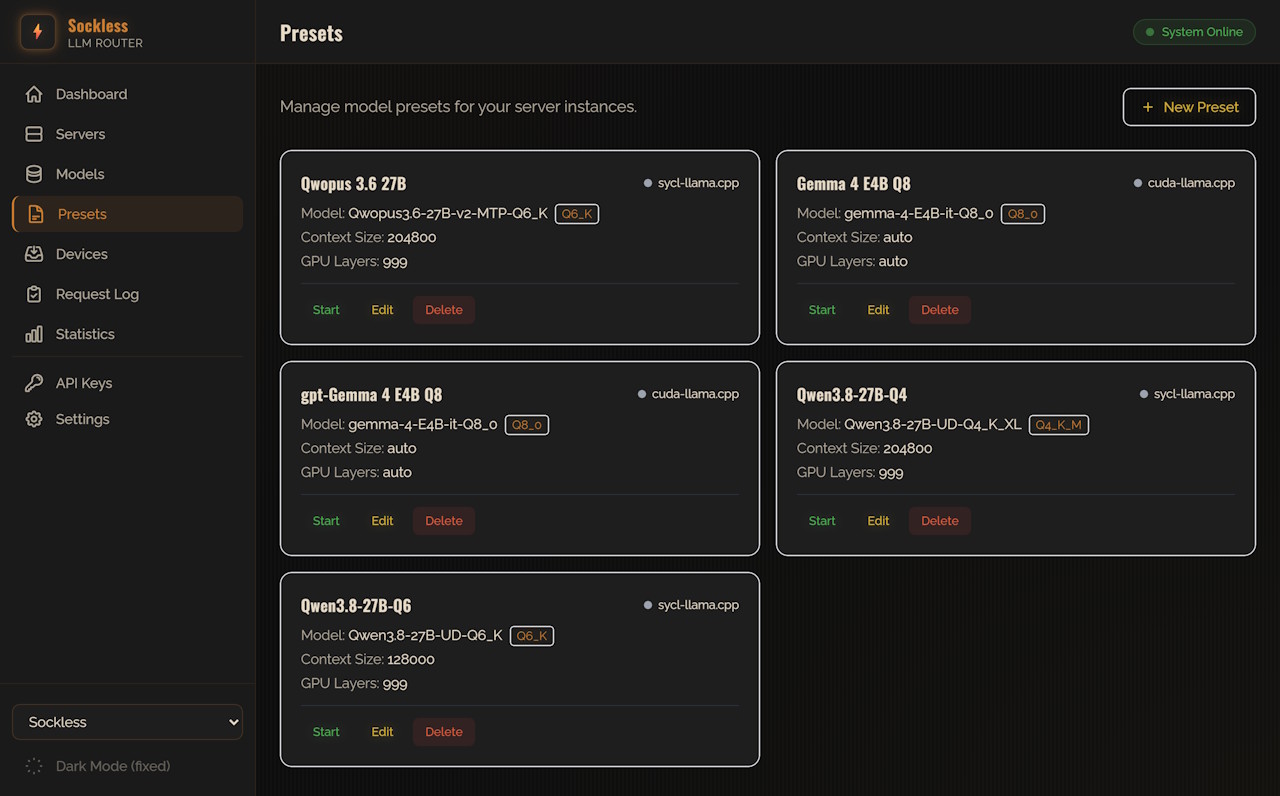
Use models served by your local Sockless LLM Router as Copilot Chat models in VS Code. Point the extension at the router's API endpoint and its models appear in the Copilot model picker automatically — no manual per-model configuration.
Sockless LLM Router is a local gateway that manages and launches model-server presets (llama.cpp and friends) and exposes them behind OpenAI- and Anthropic-compatible APIs.

How model discovery works
On connect, the extension calls the router's GET /v1/models/capabilities endpoint, which reports — per preset — context length, max output tokens, and whether tool calling and image input are supported. That's what lets VS Code populate the model picker without you describing each model by hand.
Reasoning effort
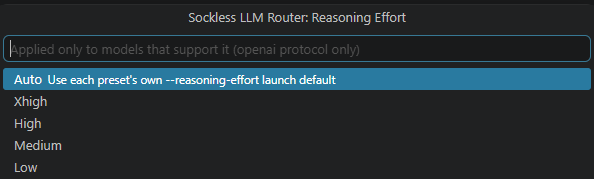
Reasoning effort is a single global setting, shown and changed from the Reasoning: … status bar item — Auto / Low / Medium / High / XHigh. It's sent as reasoning_effort only for a request to a preset the router reports as supporting it, and silently omitted for any other model.
Protocol
The router speaks two chat protocols side by side and this extension can use either — openai (POST /v1/chat/completions, the default) or claude (POST /v1/messages). Both expose the same presets with the same tool-calling and image-input support.
Requirements
A running Sockless LLM Router instance with at least one server preset configured, and VS Code 1.104 or newer (for the Language Model Chat Provider API).