The npm package manager, inside Visual Studio 2026
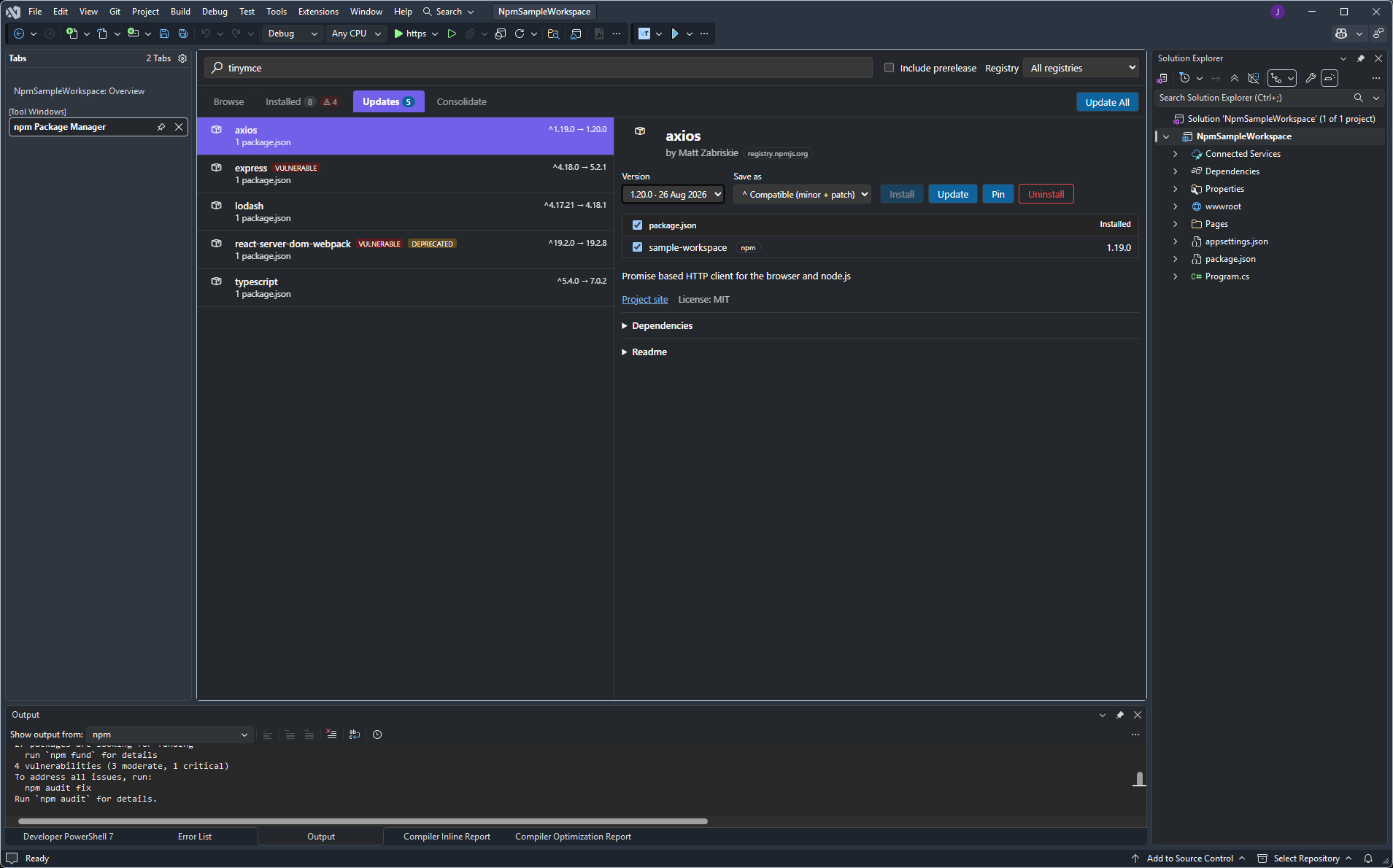
The same panel and engine as the VS Code extension — it just runs inside a Visual Studio tool window. Browse, install, update and consolidate package.json dependencies from a single project or across a whole solution, without leaving the IDE.
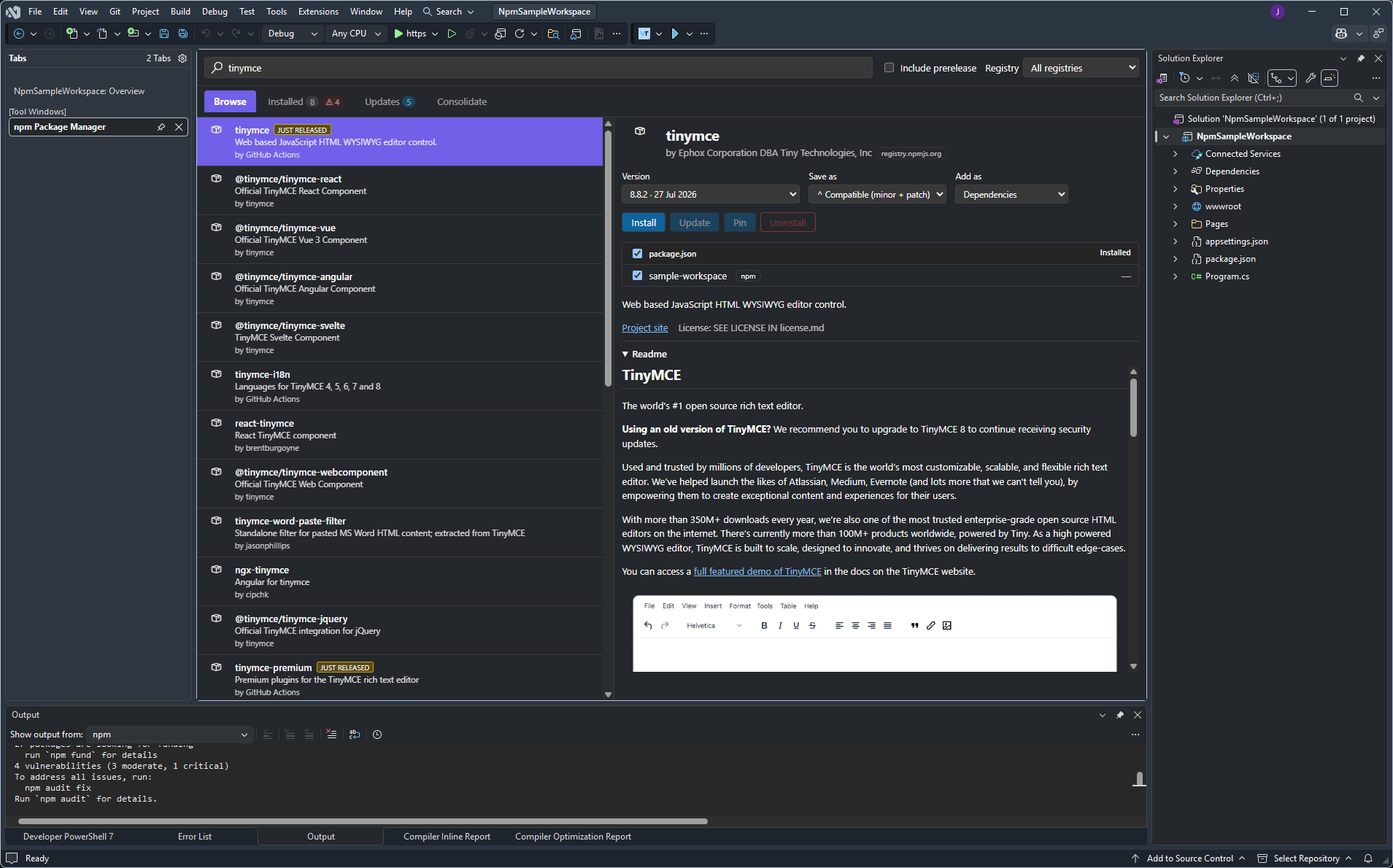
Installed
Every package referenced across the open scope, with vulnerable and deprecated packages flagged and their full advisory chain shown in the detail pane.
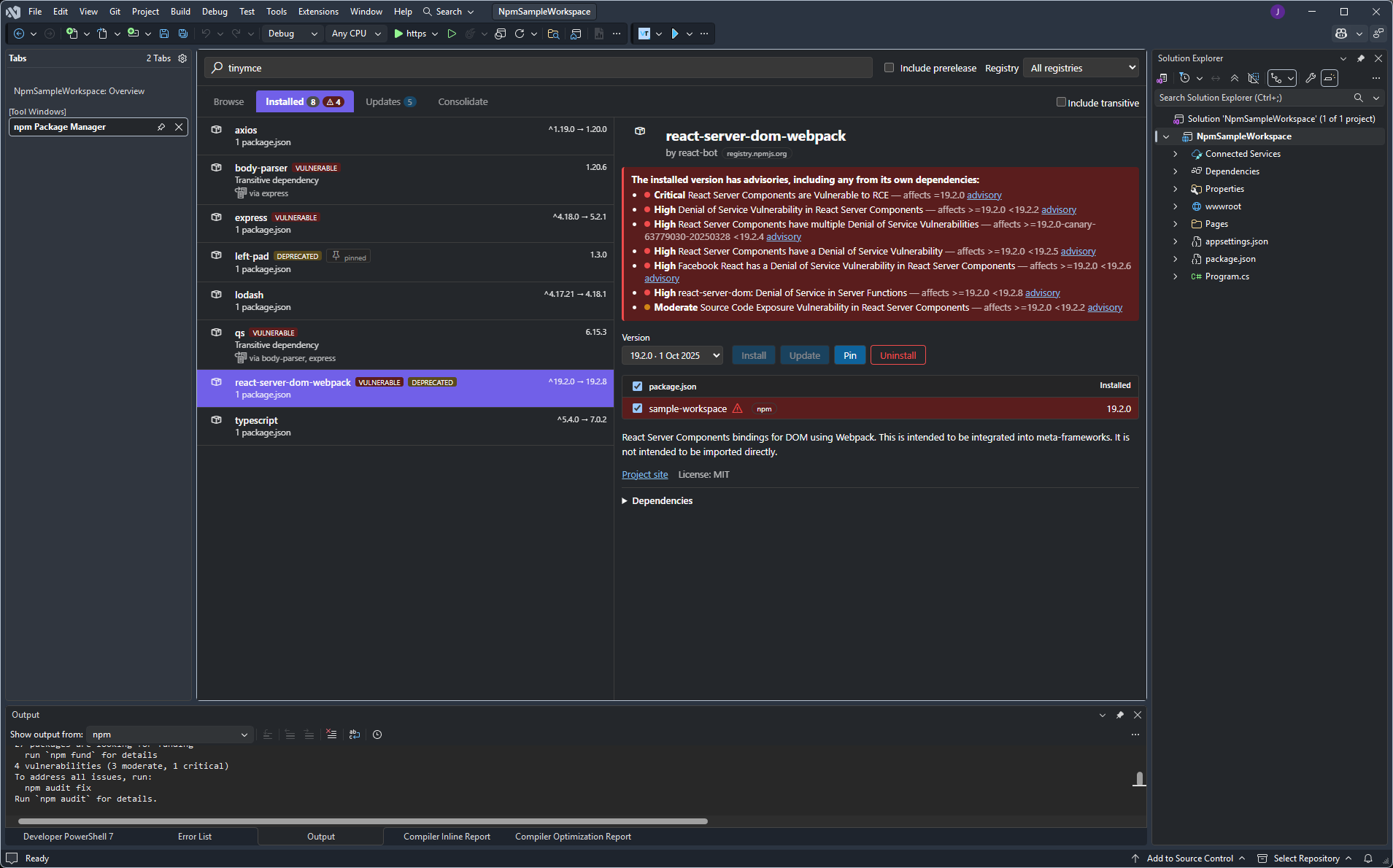
Updates
Installed packages with a newer version available, with one-click Update All and the same supply-chain guardrail that holds back freshly published versions.
How it's put together
The C# VSIX does no package-manager work of its own — it resolves the right-clicked Solution Explorer node to a set of directories, hosts a WebView2 running the shared React UI, and launches a Node sidecar that runs the exact same TypeScript engine the VS Code extension uses. Registry discovery, .npmrc parsing, search, npm audit chain resolution, lockfile graphs and mutations are all shared code.
Open-scope behaviour
- Right-click a project — the manager is limited to that project.
- Right-click the solution — packages are aggregated across every project, like a VS Code multi-root workspace.
- Right-click a project with no
package.json— the panel offers to create one, then behaves as a single project.
Requirements
Visual Studio 2026 with the Visual Studio extension development workload, and Node.js on PATH for the engine sidecar. Settings live under Tools → Options → npm Package Manager.